

4 Steps for Troubleshooting Your Thermostat
How to Troubleshoot a Thermostat: 4 Simple Steps Every Homeowner Should Know
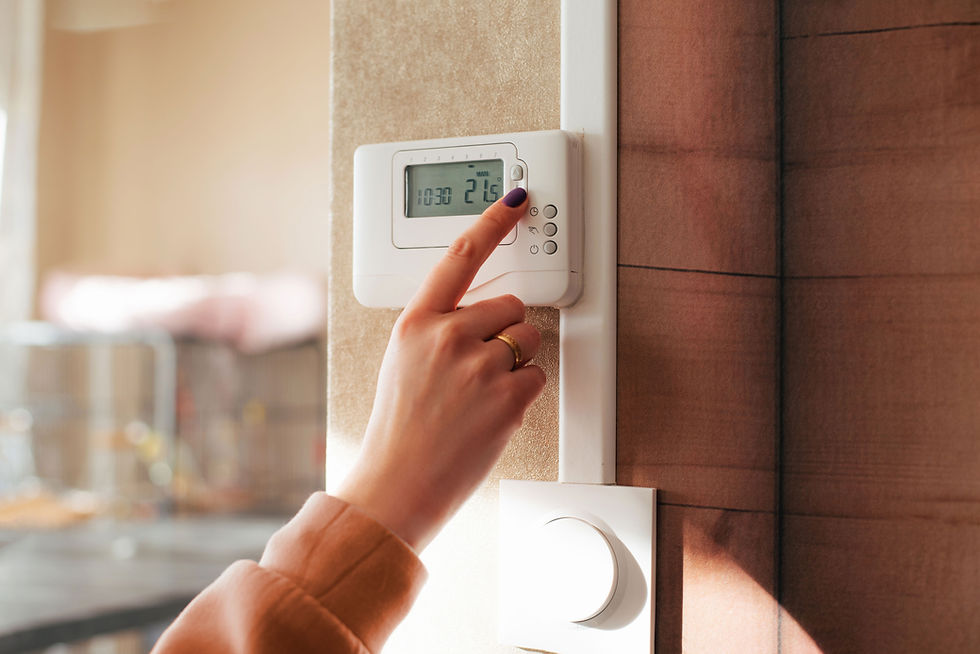
When your heating or cooling system isn’t working properly—short cycling, failing to turn on, or not holding temperature—the thermostat is often the first place to look.
Your thermostat acts as the control center of your HVAC system. A small issue here can stop the entire system from responding correctly.
The good news: many thermostat problems are simple to identify, and some can be resolved without tools.
Below are four safe, homeowner-friendly steps to help you troubleshoot a thermostat before calling for service.
1. Reset the Thermostat
Like any electronic device, digital thermostats can occasionally glitch—especially after a power outage or electrical interruption.
A reset can restore proper communication between the thermostat and your HVAC system.
Common reset methods include:
Removing the thermostat from its base for 30–60 seconds
Using a recessed reset button (if your model has one)
Turning off the HVAC breaker for about 30 seconds, then restoring power
Because reset procedures vary by brand and model, check the manufacturer’s instructions whenever possible.
Tip: If your thermostat has a touchscreen but is acting erratically, a reset is often the fastest fix.
2. Replace Batteries and Check for Dust

If your thermostat uses batteries, replace them—even if the screen is still on. Weak batteries can cause intermittent issues, incorrect temperature readings, or delayed system response.
Next, inspect for dust buildup.
Over time, dust can interfere with internal sensors, especially in older thermostats.
What you can safely do:
Gently remove the thermostat cover
Use compressed air or a soft brush to clear dust
Avoid liquid cleaners or excessive pressure
If you notice corrosion or exposed wiring, stop and move to professional service.
3. Confirm Power and Basic Settings
Before assuming a mechanical failure, verify the basics:
Is the thermostat set to Heat or Cool, not Off?
Is the temperature set far enough above or below room temperature to trigger the system?
Has a breaker tripped or fuse blown?
If the display is completely blank and new batteries don’t help, the thermostat may not be receiving power. At that point, the issue could involve system wiring or a safety switch—both situations best handled by a technician.
4. Know When It’s Not a DIY Fix
Older mechanical thermostats include components like heat anticipators that require precise calibration. Improper adjustment can cause short cycling, uneven comfort, or system wear.
Modern smart and digital thermostats are even more sensitive and may require:
Firmware updates
System compatibility checks
Professional wiring verification
If basic troubleshooting doesn’t restore normal operation, continuing to experiment can lead to bigger problems.
When to Call a Professional
If your thermostat:
Resets correctly but the system still won’t run
Loses power repeatedly
Shows error codes
Works intermittently despite new batteries
…it’s time for expert diagnosis.
For professional thermostat service, repairs, or system evaluations, contact Comfort Technology Heating & Air Conditioning. Our technicians can quickly determine whether the issue is the thermostat, wiring, or the HVAC system itself—and get your comfort restored safely.


Comments